Release Notes - v3.3.0
The Canvas minimap is now a UMG widget with mouse zoom and pan. The multiplayer sample has been rebuilt around it, with a full screen map viewer and a lobby preview that syncs the seed to every client

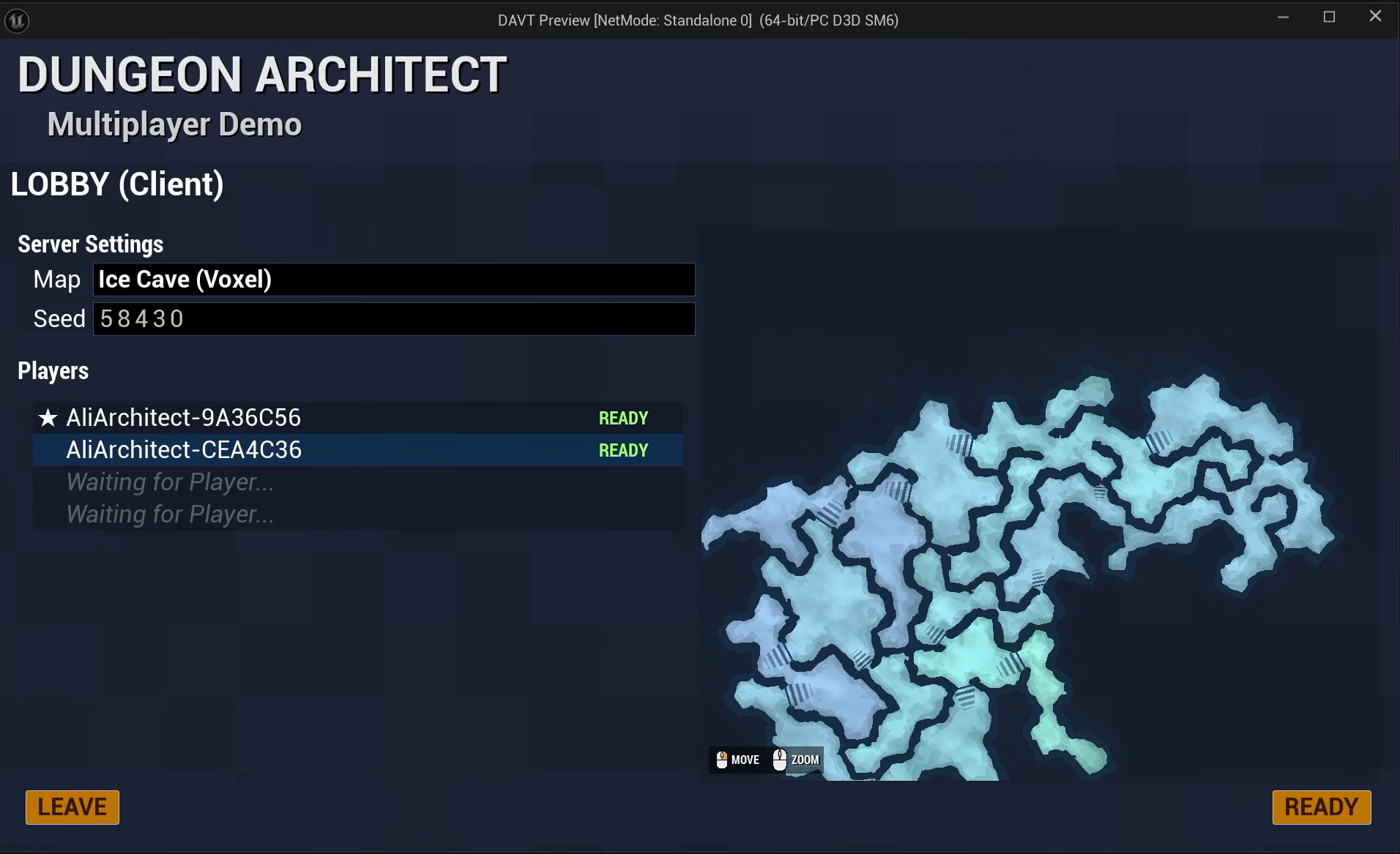
This release introduces the Canvas UMG widget, an interactive minimap you can drop into your own UI and zoom and pan with the mouse. The multiplayer sample has been rebuilt around it, with a full screen map viewer and a lobby preview that randomizes the seed and syncs to every client.
There's also a new BuildDungeonWithSettings node for controlling which phases of generation actually run, and one default value change on the Build System component that's worth reading before you update.
Interactive Minimap Widget
The Canvas minimap is now a proper UMG widget. Drop it into a widget blueprint, point it at your dungeon and it renders the layout with mouse zoom and pan.
Because it's a normal widget, it composes like one. Size it into a HUD corner as a live minimap, or blow it up to fill the screen as a map screen. The two use cases in the multiplayer sample below are both the same widget.
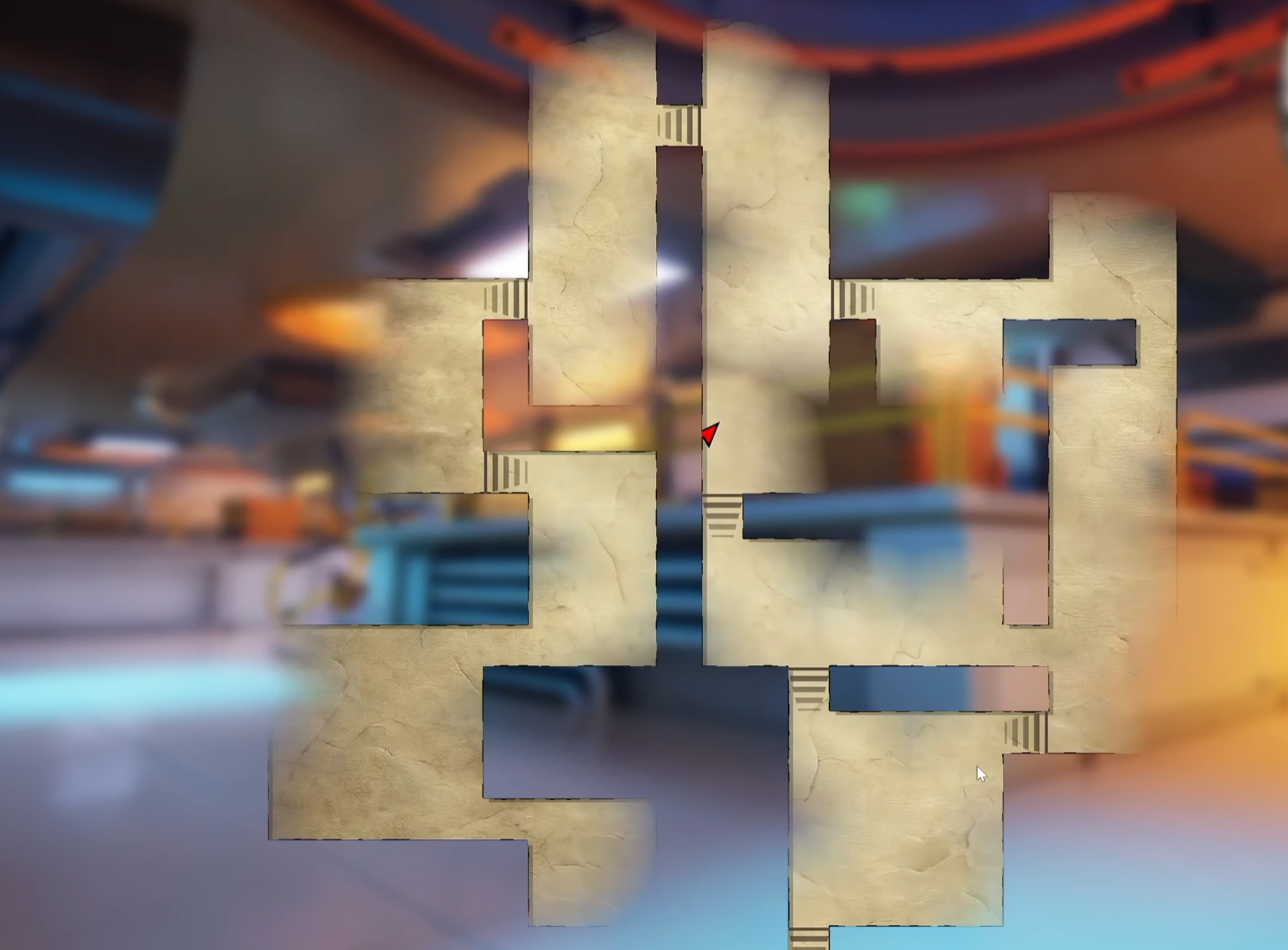
Multiplayer sample: Lobby map preview
The multiplayer sample uses the widget in two places.
In game, there's a full screen dungeon map viewer built on the Canvas widget. In the lobby, there's a minimap preview of the dungeon you're about to play, with seed randomization synced to all clients in real time. Roll a new seed and everyone in the lobby watches the layout change before anyone travels to the map.
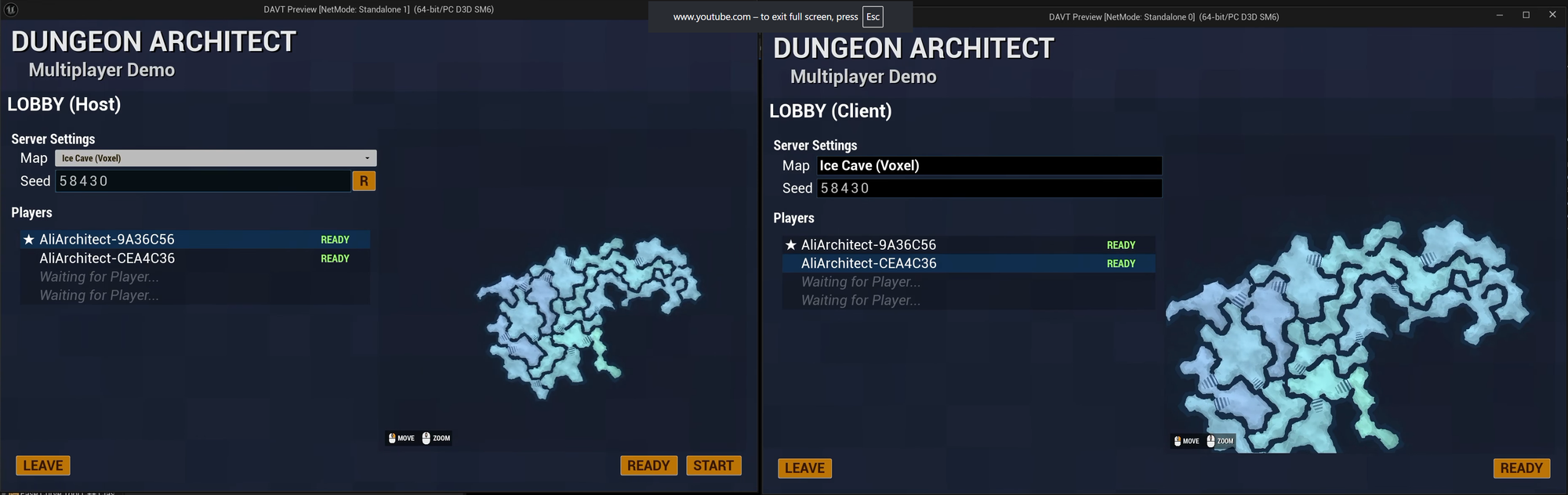
BuildDungeonWithSettings
A new node that takes a start and an end build phase, so you can run part of the generation pipeline instead of all of it.
The useful case is stopping at the layout phase. You get the dungeon graph and cell layout with no meshes spawned, which is exactly what the Canvas widget needs to draw a map. That's how the lobby preview works: layout only on every client, meshes spawned later when the match actually starts.
RandomizeOnBuild now defaults to false
On the Build System component, RandomizeOnBuild is now off by default. Enable it if you want a fresh seed each session. Leave it off to drive the seed yourself from Blueprints, which is what the multiplayer demo does, since every client has to build from the same number.
If your project relied on the previous default, tick it back on after updating.
Fixes
- CellFlow Builder — the Canvas minimap was rendering some doors as walls, which blocked fog of war exploration until the player moved past them
- Canvas Theme Editor — improved stability, so reordering, adding and removing layers now retains layer values correctly
- Fixed code compile errors while packaging